IT advice for
small businesses.
Practical guides on Microsoft 365, security, backup and everyday IT, written for small teams and home offices across London, Surrey and Sussex.
 15 NOVEMBER 2026
Slow work computer? Fixes to try before you replace it
A sluggish computer wastes time every single day. Here are the simple checks worth trying before you decide it needs upgrading or replacing.
Read the guide ↗ 15 NOVEMBER 2026
Shared mailboxes, distribution lists and groups in Microsoft 365: which to use
Addresses like info@ and accounts@ can be set up in several ways in Microsoft 365. Here's how shared mailboxes, distribution lists and groups differ.
Read the guide ↗ 14 NOVEMBER 2026
Lost or stolen work laptop? How to prepare, and what to do next
Laptops get left on trains and taken from cars. A few simple precautions mean losing one is an inconvenience rather than a data breach.
Read the guide ↗ 14 NOVEMBER 2026
How to keep a simple IT asset register for your small business
Knowing exactly what IT you own makes security, budgeting and troubleshooting easier. Here's how to keep a simple asset register that stays useful.
Read the guide ↗ 13 NOVEMBER 2026
Software updates: a simple patching routine for small businesses
Updates are one of the cheapest ways to keep attackers out. Here's what needs patching in a small office and a simple routine to stay on top of it.
Read the guide ↗ 13 NOVEMBER 2026
When the office internet goes down: planning a backup connection
Email, Microsoft 365, card payments and even your phones now depend on one broadband line. Here's how to plan for the day it stops working.
Read the guide ↗ 11 NOVEMBER 2026
Getting more from Microsoft Teams: practical tips for small teams
Teams can feel noisy and confusing. These practical tips help small teams organise conversations, cut notification overload and keep files in the right place.
Read the guide ↗ 11 NOVEMBER 2026
Tech support scams: how to spot fake calls and pop-ups before they cost you
Fake “Microsoft” calls and alarming virus pop-ups are designed to panic you into handing over control of your computer. Here’s how to spot them and what to do.
Read the guide ↗ 10 NOVEMBER 2026
Guest Wi-Fi for small businesses: how to set it up safely
Handing visitors your main Wi-Fi password puts your files, printers and devices within reach. Here's how to set up a proper guest network instead.
Read the guide ↗ 10 NOVEMBER 2026
Setting up a small meeting room for hybrid video calls
If remote colleagues struggle to hear or see what's happening in your meeting room, these practical steps will make hybrid calls far less painful.
Read the guide ↗ 9 NOVEMBER 2026
Multi-factor authentication: the simple step that stops most account takeovers
A stolen password shouldn’t be enough to get into your email. Here’s how multi-factor authentication works and how to switch it on across your business.
Read the guide ↗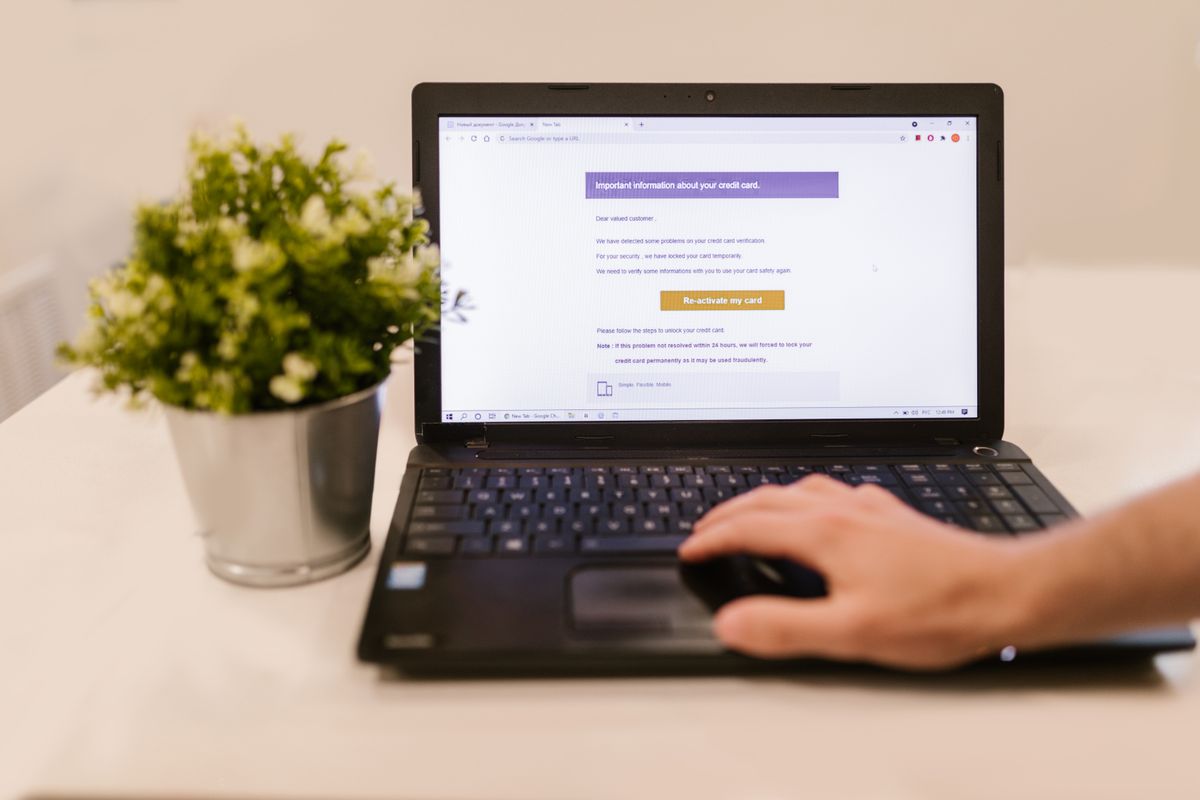 9 NOVEMBER 2026
Drowning in email? Outlook tips to tame a busy inbox
A busy inbox eats into the working day. These practical Outlook features and habits help you and your team stay on top of email.
Read the guide ↗ 8 NOVEMBER 2026
New starters and leavers: an IT checklist for small businesses
A smooth first day and a tidy last day both depend on getting IT access right. Here’s a simple checklist for joiners and leavers in a small business.
Read the guide ↗ 8 NOVEMBER 2026
Power cuts and surges: how to protect your office IT
A short power cut can corrupt files, knock out your phones and damage equipment. Here’s how surge protection and a UPS help, and what to put on them.
Read the guide ↗ 7 NOVEMBER 2026
Had a data breach? What a small business should do in the first 72 hours
A personal data breach can be as simple as a misdirected email. Here’s how to contain it, assess the risk and decide whether to report it to the ICO.
Read the guide ↗ 7 NOVEMBER 2026
Does Microsoft 365 need a backup? What small businesses should know
Microsoft 365 is reliable, but that isn’t the same as having a backup. Here’s what it can restore for you, where the gaps are and what to do about them.
Read the guide ↗6 NOVEMBER 2026SPF, DKIM and DMARC: why your business emails end up in junk, and how to fix it
Three small settings help prove your emails are really from you. What SPF, DKIM and DMARC do, and how to set them up without blocking your own mail.
Read the guide ↗ 6 NOVEMBER 2026
Office printer not working? What to try before you call for help
Offline printers, stuck jobs and scan-to-email failures are common and often quick to fix. Here’s what to check, in order, and how to prevent repeats.
Read the guide ↗ 5 NOVEMBER 2026
Working from home securely: a checklist for small businesses
A home office doesn’t come with the protections of a business network. Here’s how to keep laptops, Wi-Fi, logins and files secure when your team works from home.
Read the guide ↗ 5 NOVEMBER 2026
Choosing an IT support company: the questions worth asking
Most IT support companies sound much the same on their websites. These questions on support, security, costs and contracts help you see the real differences.
Read the guide ↗ 4 NOVEMBER 2026
Moving office? An IT checklist to keep your business running
The IT side of an office move is easy to leave too late. What to arrange first, what to check at the new site, and how to make sure everything works on day one.
Read the guide ↗ 4 NOVEMBER 2026
Getting rid of old computers? How to do it without risking your data
Deleting files doesn’t remove them. How to wipe old devices properly, which equipment people overlook, and how to recycle it all responsibly.
Read the guide ↗ 3 NOVEMBER 2026
The landline switch-off: is your business ready for digital phone lines?
Traditional phone lines are being switched off across the UK. What’s affected, the devices that are easy to overlook, and how to move to internet phones smoothly.
Read the guide ↗ 3 NOVEMBER 2026
OneDrive, SharePoint or Teams? Sharing files safely in Microsoft 365
OneDrive, SharePoint and Teams all store files, but they suit different jobs. Where things should live, and how to share links without giving away more than you meant to.
Read the guide ↗ 2 NOVEMBER 2026
Password managers for small businesses: why you need one and how to start
Reused and shared passwords are an easy way in for attackers. How a password manager fixes that, what to look for, and how to roll one out without fuss.
Read the guide ↗ 2 NOVEMBER 2026
Buying a laptop for your business: what actually matters
Memory, storage, Windows edition, warranty and security: a plain-English checklist for buying laptops that will last your team for years.
Read the guide ↗ 2 NOVEMBER 2026
How to spot a phishing email: a practical guide for small teams
The tell-tale signs, what to do in the first hour if someone clicks, and the settings that stop most attacks before they reach an inbox.
Read the guide ↗ 2 NOVEMBER 2026
The 3-2-1 backup rule: a simple way to protect your business data
Three copies, two types of storage, one off site. What it means in practice for a small office, and why a backup you haven’t tested isn’t a backup.
Read the guide ↗ 2 NOVEMBER 2026
Slow office Wi-Fi? Seven fixes to try before you buy anything
Before you upgrade your broadband or buy new kit, check these seven common causes of slow and patchy Wi-Fi in small offices and home offices.
Read the guide ↗ 2 NOVEMBER 2026
Still running Windows 10? What it means for your business
Windows 10 no longer gets free security updates. The risks of staying put, what extended updates cover, and how to plan a painless move to Windows 11.
Read the guide ↗ 2 NOVEMBER 2026
Cyber Essentials explained: is it worth it for a small business?
The UK government-backed scheme in plain English: the five controls, the difference between Cyber Essentials and Plus, and how to prepare.
Read the guide ↗27 OCTOBER 2026Microsoft 365 support for small businesses: what it should cover
Licences, multi-factor sign-in, backup, joiners and leavers, email security and the everyday fixes: a practical checklist for small teams.
Read the guide ↗Good IT starts with
a conversation.
Tell us what you need. We’ll help you work out the next step.